
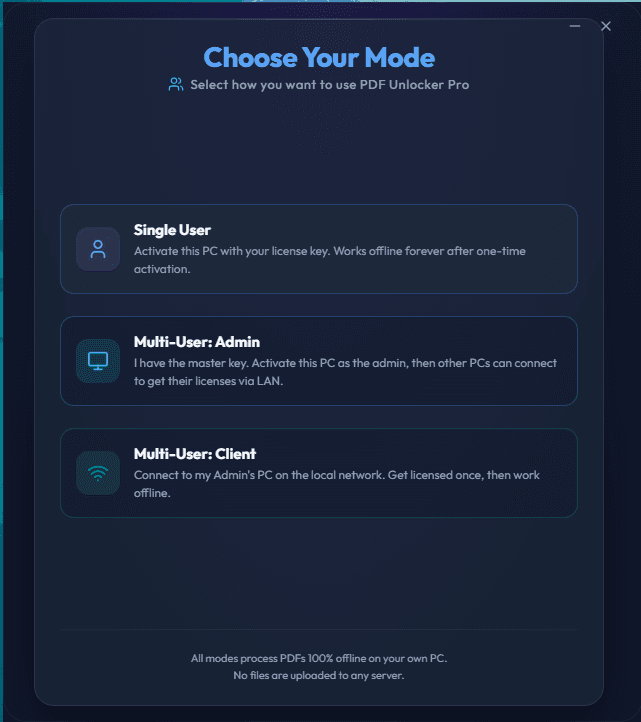
Unlock Protected PDF Files Securely Without Cloud Uploads.
PDF Unlocker Pro is a fully safe & secure offline desktop application that helps you unlock unlimited password protected PDF files on your PC without risks of uploading your confidential files to cloud online
Product preview : Desktop app screens
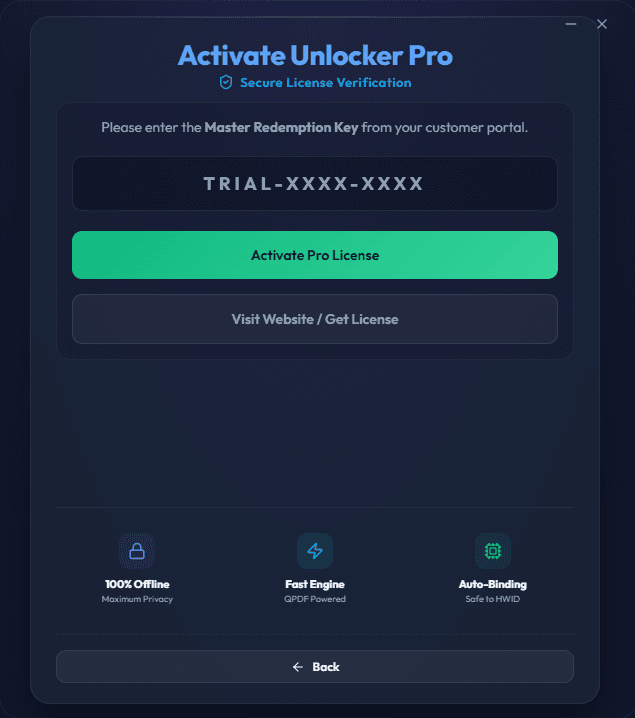
Screenshot 2
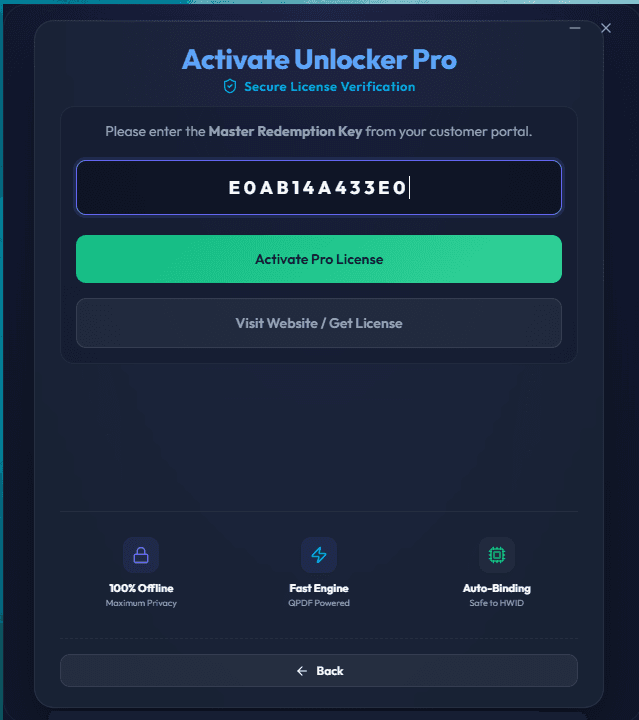
Screenshot 3
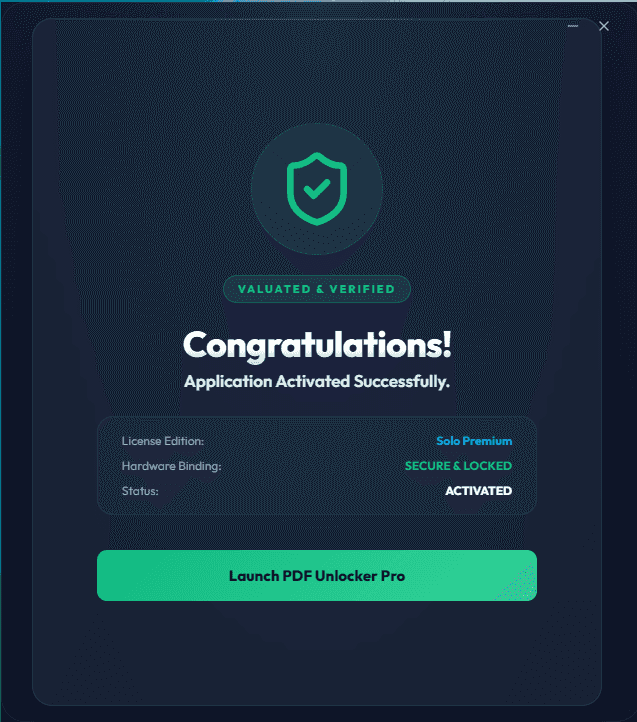
Screenshot 4
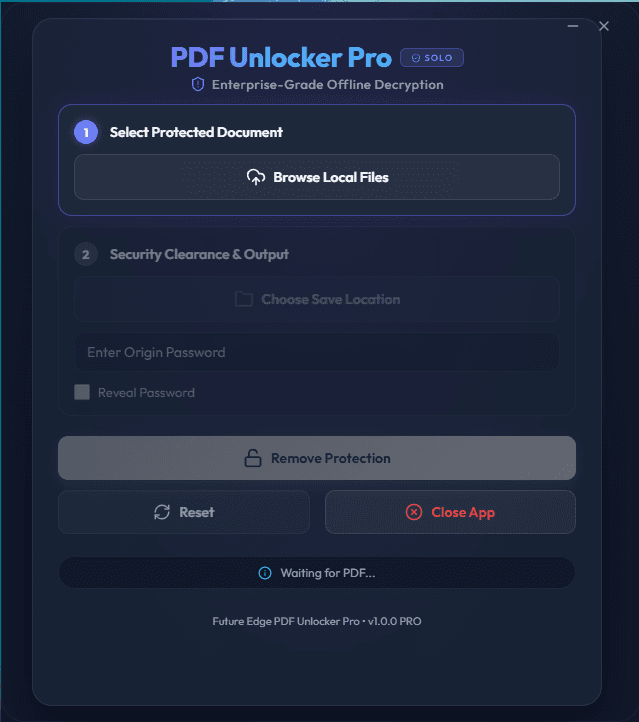
Screenshot 5
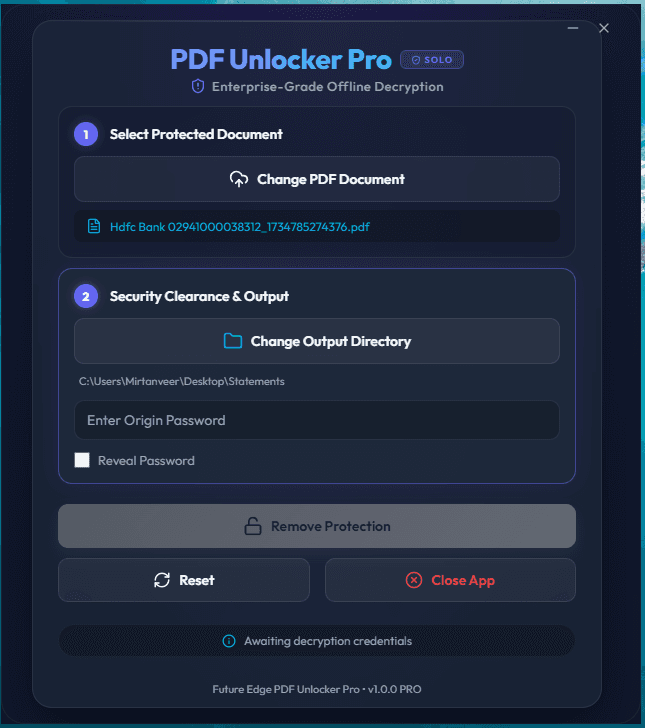
Screenshot 6
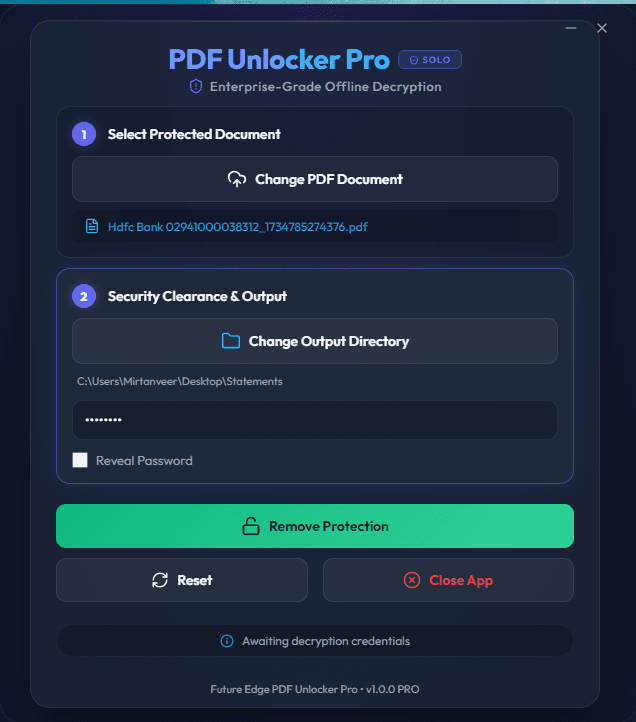
Screenshot 7
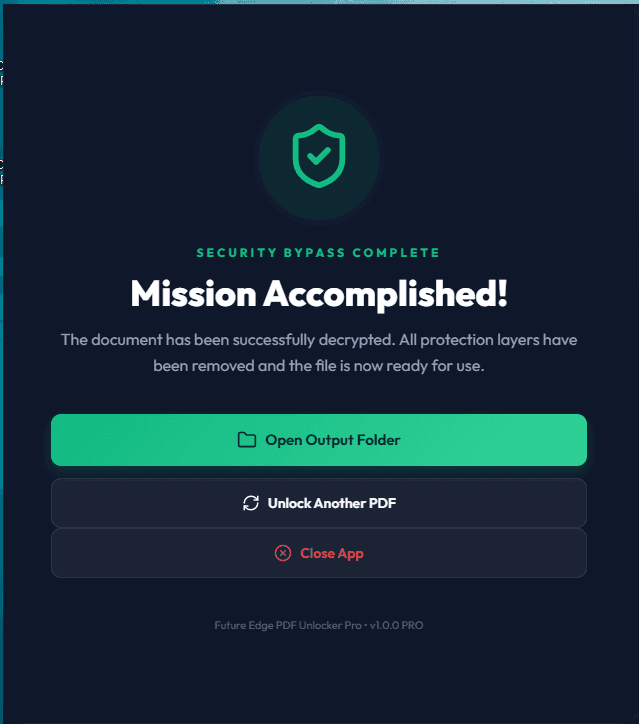
Screenshot 8
Launch notes
1
Create Account
Create a customer account to manage license keys, downloads, and future activations.
2
Download Installer
Download the official desktop installer from the FutureEdgeIT download channel.
3
Activate Locally
Paste your redemption key into the desktop app to bind the license to your device.
Pricing
Choose the license Plan Type.
Pricing is isolated in this product module, so future products can define their own plans without changing the whole site.
7-Day Trial (Single User)
₹ 0/-for 7 Days
- - Fully Activated Pro Access
- - Works Fully Offline
- - Unlimited PDF processing
- - Account dashboard access
Monthly Plan (Single User)
₹ 10/Month
- - 1 Month Device Unlock
- - Fully Activated Pro Access
- - Works Fully Offline
- - Unlimited PDF processing
- - Account dashboard access
- - License dashboard access
Yearly Plan (Single User)
₹ 99/Year
- - 1 Year Device Unlock
- - Fully Activated Pro Access
- - Works Fully Offline
- - Unlimited PDF processing
- - Account dashboard access
- - License dashboard access
Download App
Download the official PDF Unlocker Pro installer.
Windows Security Notice
Windows may show a SmartScreen warning. Click More Info then Run Anyway.
Security notes
- - PDF files are processed locally on the desktop app.
- - License verification can work offline after activation.
- - Premium downloads should be served through signed URLs when the download backend is ready.
- - Windows SmartScreen can appear for new unsigned installers; code signing should be added before a polished public launch.